Ancient stories, translated into everything you're living through today.
This book isn't finished yet. Not every story from the Bible is here, and new ones are added regularly. Has a new story been added? You'll see it automatically the next time you open the app.
Stories
Stories about holding onto something — or someone — too tightly.
Install the app for quick access, without an address bar — just like a regular app.
Add The Mirror Bible to your home screen
Tap the share icon ↑ at the bottom of Safari
Choose "Add to Home Screen"
About this app
Bible stories, mirror lines, and reflection questions — with a separate page to write down what it brings up for you. Filter stories by theme and save your favorites to find them again later.
Not a traditional children's Bible, and not a Bible for non-believers either — but Bible stories for kids and lessons from the Bible for anyone who still recognizes themselves in them, whether religious or not.
The Mirror Bible is available in Dutch, English, and German — choose your language from the menu.
This app works best on your phone or tablet.
Add it to your home screen: then you'll open it just like a regular app, without an address bar.
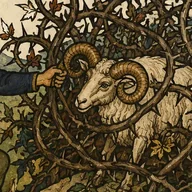
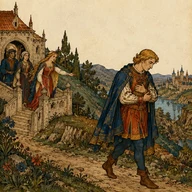
The illustrations in this book were made with AI. The goal is to eventually replace them with drawings from a real illustrator.
The texts too — like the mirror lines and reflection questions — are occasionally refined with an update. Think of it as a book that keeps growing.
To protect your safety and privacy: we use no tracking and no cookies, and no data is stored or shared — except on your own device.
The mirror only uses your camera on your own screen. Nothing is recorded, stored, or sent. What you type in "My Story" also stays only on this device.
With your highlighter, you save passages you find nice or interesting. They're kept here so you can read them again and share them with friends and family!
Here's how it works:
Press and hold a piece of text in a story.
Drag the dots to select more or less text.
Let go — your passage is saved, in a color of your highlighter.
Come back here to read, share, or delete your saved passages.
Reminders
These reminders appear only when you open the app yourself by default, and everything stays on your own device. Want a real notification even when the app is closed? Turn that on below.
Accessibility
Text size
Switches to Lexend, a typeface designed to make reading easier.